
Sometimes you may want to run open Programs and Features without searching for it in the Control Panel. Another reason to require these commands is to run them with administrative privileges.
You can open the Run using [Windows KEY] + [R] or the cmd or even in PowerShell ISE
appwiz.cpl – open the Programs and Features window.

devmgmt.msc – open the device manager

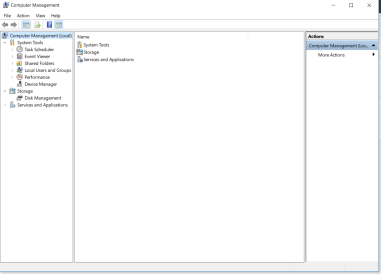
compmgmt.msc – open the computer management
diskmgmt.msc – opens the disk management

lusrmgr.msc – opens the local users and groups management

I will update this article with more useful commands as I identify them.
 IT Wiz Technology Blog